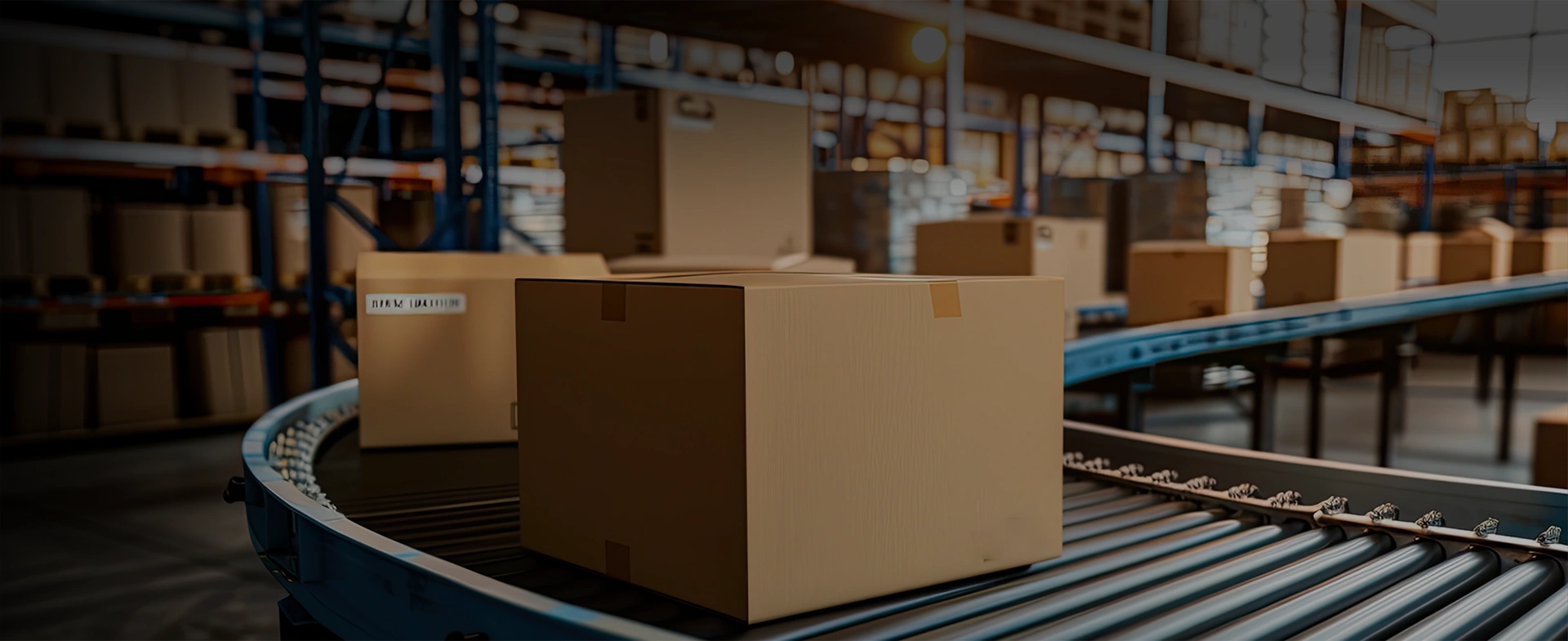

As e-commerce businesses handle increasing order volumes and tighter delivery requirements, efficient warehouse operations have become essential. Integrating an automatic packaging machine with ERP and WMS platforms helps connect order processing, warehouse operations, and packaging workflows.
ERP WMS Packaging Machine Integration enables businesses to synchronize order data, reduce manual input, improve packaging efficiency, and create a more connected fulfillment process.
For e-commerce warehouses, fulfillment centers, and third-party logistics (3PL) providers, this integration is an important step toward smarter E-commerce Packaging Automation.
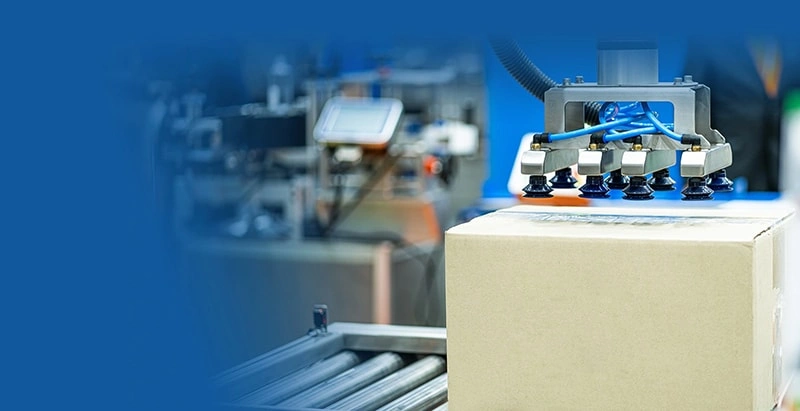
ERP (Enterprise Resource Planning) manages business processes such as orders, purchasing, inventory, and financial operations.
WMS (Warehouse Management System) focuses on warehouse activities, including inventory tracking, picking, packing, and shipping.
An automatic packaging machine handles physical packaging operations, such as bag feeding, product insertion, sealing, and label application, depending on the machine configuration.
When these systems work together, order information can move from business management platforms to warehouse operations and packaging equipment.
This creates a more connected workflow from order confirmation to final package preparation.
A typical integrated e-commerce packaging workflow involves several stages:
Step 1: Order Data Synchronization
The ERP system receives customer orders and sends relevant order information to the WMS. Data may include order numbers, product SKUs, quantities, and shipping requirements.
Step 2: Warehouse Picking
The WMS organizes picking tasks and updates order status as products are collected.
Step 3: Packaging Instruction Transfer
After picking, the required packaging information can be transferred to the packaging workstation or machine control system through a compatible interface.
Step 4: Automatic Packaging
The packaging machine performs configured operations such as bag opening, product loading, sealing, and printing, depending on its capabilities.
Step 5: Status and Data Feedback
Packaging completion information can be returned to the WMS or ERP through the integration interface, helping synchronize order progress and fulfillment records.
This workflow depends on software compatibility, communication protocols, and integration configuration.
Integrating warehouse systems with automatic packaging equipment helps reduce repetitive manual data entry and unnecessary communication between departments.
Packaging instructions can be prepared from existing order information, helping operators process orders more consistently.
Order Data Synchronization helps reduce errors caused by manually transferring order numbers, SKUs, and shipping information.
When properly configured, system integration also supports better order verification and packaging traceability.
Connected ERP and WMS platforms provide improved visibility into order status and warehouse operations.
Managers can monitor workflow progress, identify bottlenecks, and make more informed decisions about labor and equipment allocation.
As e-commerce order volumes increase, businesses need packaging systems that can support changing workloads.
Integrating automatic packaging equipment into existing warehouse workflows helps companies expand automation without relying entirely on disconnected manual processes.
Before investing in an integrated packaging solution, buyers should evaluate several technical factors.
· Software compatibility: Confirm whether the machine supports communication with the existing ERP or WMS environment.
· Data interfaces: Discuss available APIs, communication protocols, and supported data formats.
· Order information: Define which fields the machine needs, such as SKU, bag size, order ID, and shipping information.
· Machine configuration: Confirm whether the equipment supports automatic size selection, barcode scanning, label printing, or other required functions.
· Production capacity: Match machine speed and operating capacity with actual warehouse order volume.
· System testing: Test data transmission, error handling, and status feedback before full deployment.
Not every automatic packaging machine includes native ERP or WMS connectivity. Some projects require additional software, PLC configuration, middleware, or third-party integration services.
For businesses planning E-commerce Packaging Automation, equipment selection should be based on actual fulfillment requirements rather than machine speed alone.
Important considerations include:
· Daily order volume and peak-season demand.
· Product dimensions and packaging requirements.
· Required bag width and length range.
· Packaging materials and sealing methods.
· Barcode scanning and label printing needs.
· Compatibility with existing warehouse systems.
· Maintenance support and future expansion.
For high-volume fulfillment operations, a well-matched automatic packaging machine can help streamline packing processes and improve overall warehouse productivity.
Successful automation depends on both suitable equipment and reliable technical support.
When evaluating an automatic packaging machine supplier, B2B buyers should consider equipment performance, customization capabilities, integration requirements, and after-sales service.
Before requesting a quotation, prepare your product dimensions, daily order volume, packaging material specifications, and existing ERP or WMS information.
These details help suppliers evaluate equipment suitability and recommend a more practical automation configuration.
Yes. Depending on the machine configuration, software interfaces, and integration requirements, packaging equipment can receive order-related data through compatible ERP or middleware connections.
ERP manages broader business operations, while WMS focuses on warehouse activities. Both can work together to provide order information and coordinate packaging workflows.
It can. Synchronizing picking information, packaging instructions, and order status helps reduce manual data entry and improve workflow coordination.
Depending on the application, information may include order ID, SKU, product quantity, bag dimensions, packaging instructions, and shipping label data.
Yes, provided the investment is justified by order volume, labor costs, and operational requirements. Integration can also be introduced gradually as the warehouse expands.
ERP WMS Packaging Machine Integration connects order management, warehouse operations, and automatic packaging into a more efficient fulfillment workflow.
Through better order data synchronization, improved packaging coordination, and greater operational visibility, e-commerce businesses can build a scalable packaging automation system.
If you are planning to upgrade your warehouse packaging process, contact our team to discuss your packaging requirements and explore suitable automatic e-commerce packaging solutions.

TEL: 13969856723
WhatsApp: 13969856723
E-mail: sarah@bealead.com
Address: No.17 jinzhou road,Changfu District,Changshu city,Jiangsu Province,China
Copyright © 2025 by Bealead Machinery Co., LTD. All Rights Reserved Designed by HUISHANG MEDIA